
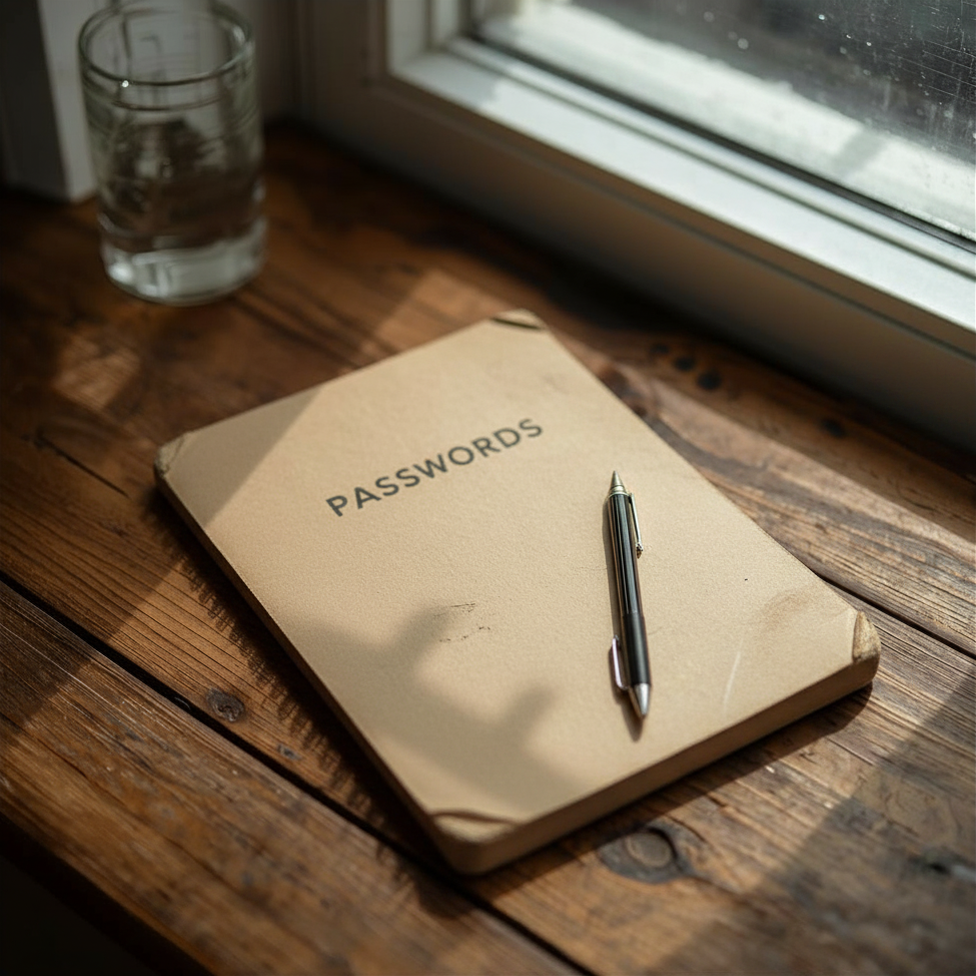
When most people think about preparing their digital legacy, they assume one simple thing:
“If my spouse or executor has my passwords, they’ll be able to access everything.”
Unfortunately, that’s often not how modern digital systems work. Today, access depends on more than just passwords. It involves multiple accounts, authentication apps, devices, and hidden dependencies that are easy to overlook—but can completely block access when it matters most.
Let’s walk through a few realistic situations with a couple named Bob and Alice, where Alice has passed away unexpectedly, to see how even well-intentioned planning can fail.
Scenario #1: Multiple Authenticator Apps Create Confusion
Bob is trying to access Alice’s primary Gmail account.
- Bob knows:
- Alice’s main email address
- where her password is stored
So, he goes to https://gmail.com and begins the Google login (which is required to log into Gmail on the web). He enters Alice’s email account address, and the password. He is then prompted for a “two-step login code” or “two-factor authentication” (2FA) code, which is very common with website login pages.
“Get a verification code from your Google Authenticator app.”
That seems clear—so Bob finds and opens the Google Authenticator app.
But the code he needs isn’t shown. There is no account entry in the Google Authenticator app for Alice’s Gmail account.
What’s going on?
Despite the wording of the prompt asking for the “Google Authenticator code”, the account’s 2FA code is actually registered and stored in a different authenticator app called Authy.
There are many brands of authenticator apps that use the same protocol and format as Google Authenticator; and for any number of reasons, people may use a different app. Perhaps they may distrust relying upon Google for everything due to privacy issues, which is a personal decision. Or they may use a password manager program that has 2FA codes built in. So they don’t use Google Authenticator.
What Bob doesn’t realize is that Alice also uses multiple authentication apps:
- Microsoft Authenticator
- Authy
- Bitwarden Authenticator
Microsoft logins use a different approach that in many cases (determined by the website owner) requires the Microsoft Authenticator app. It’s an annoying complication, or a better security model, depending on how you look at it.
Result
The correct code exists on the phone—but Bob can’t find it.
This all seems more complex than it needs to be. But due to different platforms’ login and authentication philosophies, this can lead to the use of multiple authenticator apps for 2FA is very common.
Personally, I’ve used several authenticator apps, and sometimes I’ve started using a new one, but still used the previous one for older accounts. (I’ve finally taken the time to consolidate my own 2FA apps to make this simpler for a decision-maker in an emergency situation).
So, it would be helpful if it were documented, and even better if all of the 2FA accounts are consolidated into a single authenticator app. But the world isn’t perfect, and we sometimes have reasons for working in less than ideal conditions… am I right?
Scenario #2: Access Fails Due to an Unknown Second Account
Now, let’s assume that Alice uses the Google Authenticator app for 2FA codes.
Bob is trying to access Alice’s primary Gmail account.
- Bob knows:
- Alice’s main email address
- where her password is stored
Bob gets the prompt for a Google Authenticator code and picks up Alice’s phone where he finds the Gmail Authenticator app. He finds one that says “Gmail” and confidently enters the code from it into the Google login for the Gmail account—but the login fails.
He tries again. And again. Eventually, frustration sets in.
What actually happened?
Alice may have actually had two Gmail accounts, each with its own 2FA setup.
- The login attempt was tied to the second account
- Bob was looking at the first account on her phone
- Bob didn’t notice that Alice had a second Gmail account in the 2FA app; and he didn’t think to check for one.
Result
Bob has everything he needs—but is looking at the wrong identity in the authenticator app, and cannot complete the login. He believes that something has been disabled because of Alice’s death, and doesn’t know what to do next.
Scenario #3: Password Reset Silently Fails Due to the Wrong Email Address
Bob tries to log into another account of Alice’s that has their travel bookings, using a password Alice had recorded in her password notebook.
- The password doesn’t work for Bob
Bob assumes the password may be outdated. So he initiates a password reset for the account.
The system asks for the email address associated with the account. Bob enters:
- Alice’s primary email address:
alicelynn1995@gmail.com
What happens next?
- The system does not recognize the email address Bob entered
- No reset email is sent
- No clear error message is provided
What actually happened?
The account Bob is trying to access is actually tied to another Gmail account – theallybgirl@gmail.com – which Alice used years ago, but didn’t document it.
Since Bob didn’t enter the correct email address associated with the account, the platform ignores it, and neve sends a password reset message.
Result
Bob assumes:
- the system is broken
- or the email is delayed
In reality, he is using the wrong account identity, and the system is silently rejecting the request.
Why these scenarios matter
These are not rare edge cases. They are some of the most common reasons access fails, even when passwords have been documented.
The key issue is this:
Having the information is not the same as being able to use it.
Modern systems require:
- the right account
- the right device
- the right app
- and the right sequence of steps
Without that clarity, even a well-prepared person can get stuck. And if you aren’t around to make that clarification, some of your accounts may never be accessible by anyone who needs them.
Your Next Step: Build a Usable Digital Legacy File
If you want your executor, spouse, or trusted contact to actually succeed when accessing your digital life, you need more than a list of passwords.
You need a Digital Legacy File that clearly documents:
- which accounts exist
- which identity they use
- how access works in practice
- and where critical dependencies live
This doesn’t have to be complicated.
In fact, you can start in just a few minutes by documenting:
- your primary email
- your phone
- your password storage system
From there, you can build a simple, structured system that grows over time.
The longer you wait, the worse the problems can get
Don’t wait until this becomes someone else’s problem, and gets compounded with other complications that nobody wants to deal with at a very difficult time.
Start creating your Digital Legacy File now—even a basic version will make a meaningful difference.
👉 Begin by identifying your three most critical digital assets
👉 Document how to access them
👉 Make sure your passwords and codes are stored securely in one reliable place where you can direct an authorized decision-maker
Because when it matters most, what your loved ones need isn’t just information…
They need a clear path to access and use it.